

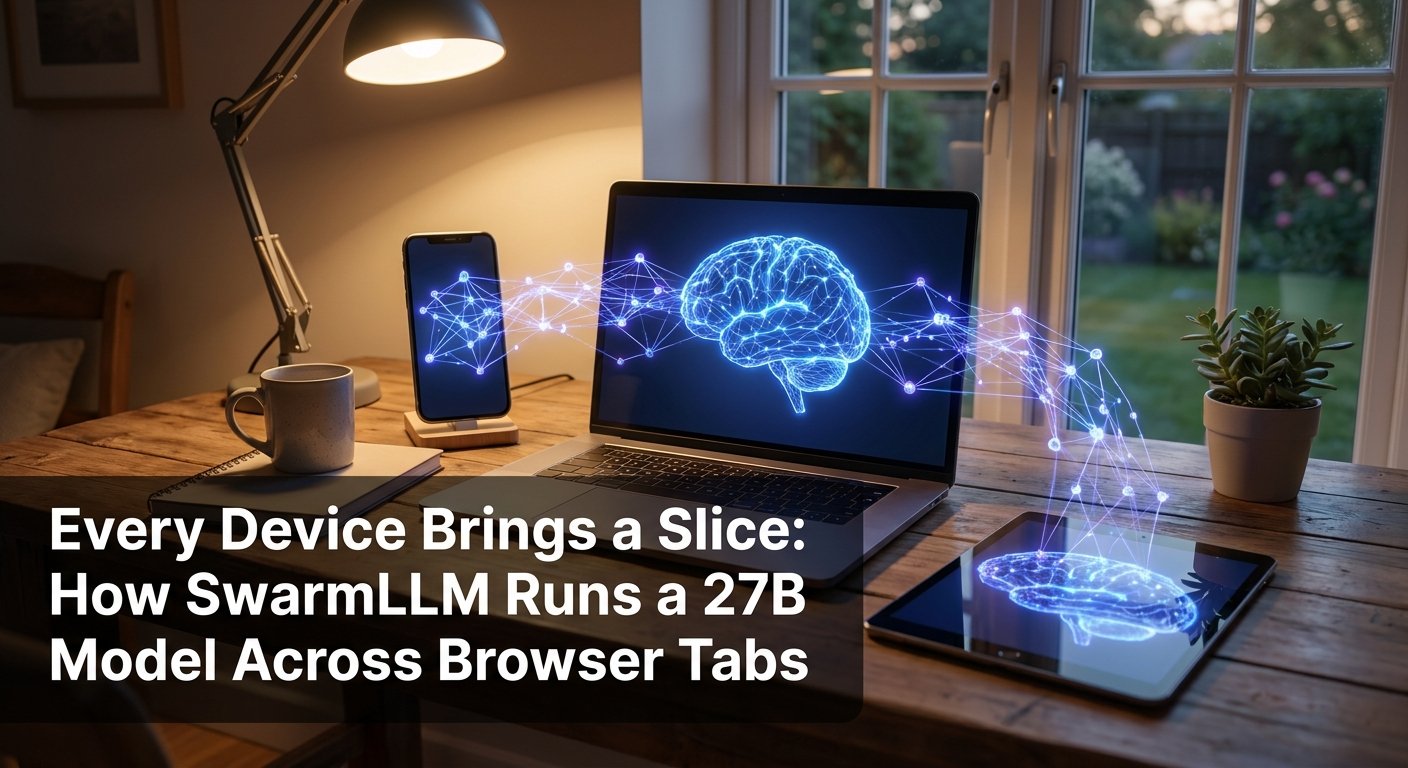
Every Device Brings a Slice: How SwarmLLM Runs a 27B Model Across Browser Tabs
On September 7, 2026, a demo ran Qwen 3.8 27B across a MacBook and an iPhone, in their browser tabs, over the same Wi-Fi network, at 10.7 tokens per second. No server held the model. No Python environment was installed. The two devices together held the entire 15 GB of Q4_0 quantized weights, divided into contiguous layer ranges, and passed a 10 KB activation vector between them over a WebRTC connection for every generated token. The project is SwarmLLM, by Nehanth and contributors, and its source code and architecture documentation are public. This is peer-to-peer pipeline parallelism implemented in a browser without native dependencies, and the performance numbers are better than expected.
The Architecture: Layers Distributed, Activations in Flight
The fundamental data structure that makes SwarmLLM work is the hidden state: a vector of 5,120 floats (for a 27B model with a 5,120-dimensional hidden dimension) that represents the model’s intermediate computation after each layer. At 2 bytes per float (float16), one hidden state is 10 KB. That is the only data that moves between devices per generated token.
The execution flow for a single token generation step is:
The host device embeds the last token into a hidden state and sends it as a 10 KB float16 vector over a direct WebRTC connection to the first peer. That peer executes its assigned layer range (say, layers 0 to 21 out of 63 total) on its WebGPU-capable GPU, then sends the resulting hidden state to the next peer. The final peer returns the result to the host, which applies the final layer norm, the LM head projection, and sampling to produce the next token. The host also runs a draft head that guesses the following token, enabling speculative decoding without requiring an additional round-trip for every guess.
This is pipeline parallelism, not tensor parallelism. The devices do not collaborate on computing a single layer; each device owns its layer range exclusively. The communication between stages is a single 10 KB vector, not a full matrix or attention map. This design choice is what makes the cross-network case viable: 10 KB per token is roughly 80 kilobits, well within what even a modest internet connection can sustain.
The Engine: ~50 WGSL Kernels Written From Scratch
WebGPU provides a GPU compute API that runs in a browser tab without native installation. SwarmLLM did not build on WebLLM, MLC Web, or llama.cpp’s WASM port. It wrote its own inference engine in WGSL (WebGPU Shading Language), approximately 50 kernels, targeting the memory-bound characteristics of LLM decode directly.
The design premise is correct: LLM decode is memory-bandwidth-bound, not compute-bound. Generating each token requires reading all weights once, regardless of whether execution is on a GPU or a CPU. The GPU’s role is to read those weights as fast as possible and accumulate the matrix-vector product efficiently. SwarmLLM’s WGSL kernels for Q4_0 quantized weights use 64-thread groups that sweep each row together, dequantize the 4-bit values in registers, and reduce in shared memory to produce the output activation. One command submit per token keeps the GPU pipeline fed.
The result on an NVIDIA GB10 running through Deno 2 with Vulkan backend:
- Plain decode: 9.0 tok/s
- Speculative decode: 16.1 tok/s
- Prefill: 44 tok/s
- Native llama.cpp (same GGUF file, same machine, CUDA build): 8.0 decode (tg32), 377 prefill (pp86)
The decode numbers exceed native llama.cpp on the same hardware. The benchmark log attributes this to the engine operating at 183 of 184 GB/s of the WebGPU buffer read bandwidth that machine can deliver. The prefill gap (44 vs 377 tok/s) is real and expected: the DeltaNet recurrence in Qwen 3.8’s hybrid architecture is serial and does not parallelize across the token dimension the way standard attention does, and the prefill GEMM implementation is described as “young” in the repository documentation. Prefill performance is not a bottleneck for interactive use cases where responses are typically a few hundred tokens.
Multi-Device Performance and the Network Penalty
The 9.0 tok/s on a solo GB10 falls to 7.7 tok/s when a MacBook (holding 62 layers) and an iPhone (holding 2 layers) share the same Wi-Fi network. That 14% reduction in throughput is the cost of 10 KB round-trips over Wi-Fi per token, which is a modest penalty for splitting a 27B model that would not fit on either device alone.
Cross-internet rooms perform at 3.5 to 6.0 tok/s depending on the link quality between peers. That range is usable for non-interactive workloads, though it falls below comfortable interactive generation rates for most users. The repository’s architecture documentation notes that prefill batches 16 tokens per round-trip and speculative decoding chains draft tokens so that multiple token candidates make the same network lap. Both techniques are designed to amortize the fixed per-hop cost of WebRTC communication across more generated tokens.
A MacBook Pro running solo (Chrome on Metal) achieves 6.7 tok/s plain and 10.8 tok/s speculative. Adding an iPhone on the same Wi-Fi to split 62 layers on the MacBook and 2 on the iPhone pushes speculative decode to 7.7 tok/s, slower than the solo machine. This is expected when the split is very uneven and the network round-trip cost is not offset by the iPhone processing a meaningful fraction of the computation. For a more balanced split across two similarly capable machines, the results would differ.
How SwarmLLM Differs From Other Distributed Inference Projects
Several open-source projects split a model across multiple devices. The differences are more significant than they appear. The repository includes a comparison table that clarifies the relevant distinctions:
- exo: Splits layers across machines that run Python with MLX or tinygrad. Requires a Python package on each node. One network only.
- llama.cpp rpc-server: Splits layers across machines running a native binary. The documentation explicitly warns against use on untrusted networks. Practical in LAN environments.
- Petals: A public swarm where transformer blocks reside on server GPUs across the internet. Requires a Python client and server. The swarm is public, meaning other people’s hardware holds your model weights.
- distributed-llama: Splits layers across Linux boxes and Raspberry Pis. Binary installation required per node. LAN-oriented.
- WebLLM / MLC, transformers.js: Run the complete model on a single browser tab, not split across devices. Require the full model to fit on one machine.
SwarmLLM’s distinguishing property is the combination of three things simultaneously: no installation (just open a URL), browser-native execution (WebGPU, no native binary), and cross-internet peer connectivity (WebRTC NAT traversal). None of the others satisfy all three. This matters for ad-hoc device pooling scenarios, consumer hardware sharing, and edge cases where installing software per node is impractical.
A related approach from Intel Research, described in Pre-Compiled Pipeline Shards for Distributed LLM Inference on Intel AI PC Fleets (arXiv:2608.19147), takes the opposite operational model: precompiled OpenVINO graphs sent to a controlled fleet of Lunar Lake Intel AI PCs. Four PCs serve a 70B model at 9 GB per shard, achieving 6.43 tok/s with speculative decoding and two-stream concurrency. This is higher throughput than SwarmLLM’s cross-internet case, but it assumes a managed fleet with precompiled inference artifacts, not browser-based ad-hoc pooling.
Security Model and Practical Boundaries
SwarmLLM is explicit about its threat model in a way that most similar projects are not. A room is a shared conversation: everyone who joins it sees all the questions and answers. The devices running intermediate layers work on mid-model activations, which the documentation describes as “not private against a determined peer.” A participant who receives an activation vector from an upstream device could, in principle, attempt to invert it to recover information about the input.
The security model is appropriate for cooperative use cases where participants already trust each other, such as a household’s devices pooling compute for a family assistant, a small team’s laptops sharing a model, or a classroom where all participants are known. It is not appropriate for serving private user data through untrusted peer nodes. This boundary is documented but easy to miss when evaluating the project for production scenarios.
Current browser compatibility is also narrow. Chrome on macOS is the tested host environment. Safari on iPhone works for joining rooms and holding small layer slices; Safari on Mac reloads the tab under memory pressure when assigned a large slice of a 27B model. Firefox and Linux Chromium are described as untested. Headless operation via Deno 2 with a wgpu backend works and is used for benchmarking.
Limitations and Open Questions
The Qwen 3.8 27B hybrid architecture (Gated-DeltaNet with attention) is the only large model currently supported. The speculative decoding implementation uses multi-token prediction (MTP) heads native to the Qwen 3.8 architecture rather than a separate draft model. Adding a new model family requires implementing its architecture in the from-scratch WGSL engine, which is non-trivial. Dense Qwen3 variants at 0.6B, 1.7B, and 4B are supported for testing but are small enough to fit on a single device, making the multi-device split less relevant.
The prefill performance gap relative to native implementations is the most significant current limitation for use cases that involve long prompts. A 169-token prompt takes 8.5 seconds on a MacBook plus iPhone split, compared to sub-second prefill on a capable native GPU setup. This is addressable through kernel optimization and parallel prefill scheduling, and the repository describes it as an active area of work.
What This Means for Engineering Teams
The interesting architectural shift that SwarmLLM demonstrates is that the machine invoking a model no longer has to possess that model. The model can be distributed across devices as a collection of layer slices, with only intermediate activations traveling the wire. This changes the storage and provisioning model for inference: instead of one machine large enough to hold the model, you need a pool of machines whose combined memory is sufficient.
For teams building on local LLM infrastructure, SwarmLLM is most useful as a proof of concept today and a practical tool in specific cooperative scenarios. Production inference at scale still favors centralized GPU clusters with managed software stacks. But for use cases at the edges of the deployment envelope, such as privacy-constrained offline inference, multi-device household compute, or lightweight sovereign deployments without server infrastructure, browser-native pipeline parallelism is a more serious option than it was a year ago.
The performance comparison with native llama.cpp on decode is the number that matters most: 9.0 tok/s vs 8.0 tok/s on the same hardware, without installing anything. For teams exploring AI deployment options, that single data point demonstrates that the browser-native inference gap is closing faster than most would have expected.
Key Takeaways
- SwarmLLM splits Qwen 3.8 27B (15 GB Q4_0) across browser tabs using WebGPU for compute and WebRTC for inter-device activation transfer, with only 10 KB transferred per generated token.
- On an NVIDIA GB10, the from-scratch WGSL engine achieves 9.0 tok/s plain decode and 16.1 tok/s with speculative decoding, surpassing native llama.cpp’s 8.0 tok/s on the same hardware.
- Cross-internet rooms achieve 3.5 to 6.0 tok/s; same Wi-Fi two-device split achieves 7.7 tok/s speculative.
- No installation required: participants open a URL, create a room, share a code, and each device downloads only its assigned layer slice.
- The security model requires mutual trust among room participants: activations are not private against determined peers, and all room members see all questions and answers.
- Prefill remains a known gap (serial DeltaNet recurrence): a 169-token prompt takes 8.5 seconds on a two-device Wi-Fi split, versus sub-second on capable native hardware.
Work With Origins AI
Origins AI builds production AI systems for engineering teams. If your team is exploring private, offline, or edge inference deployments without server infrastructure, talk to our team.