
Health checks, remediation and escalation, 24/7, without on-call fatigue
AI Agent for IT Incident Management for US Ops Teams
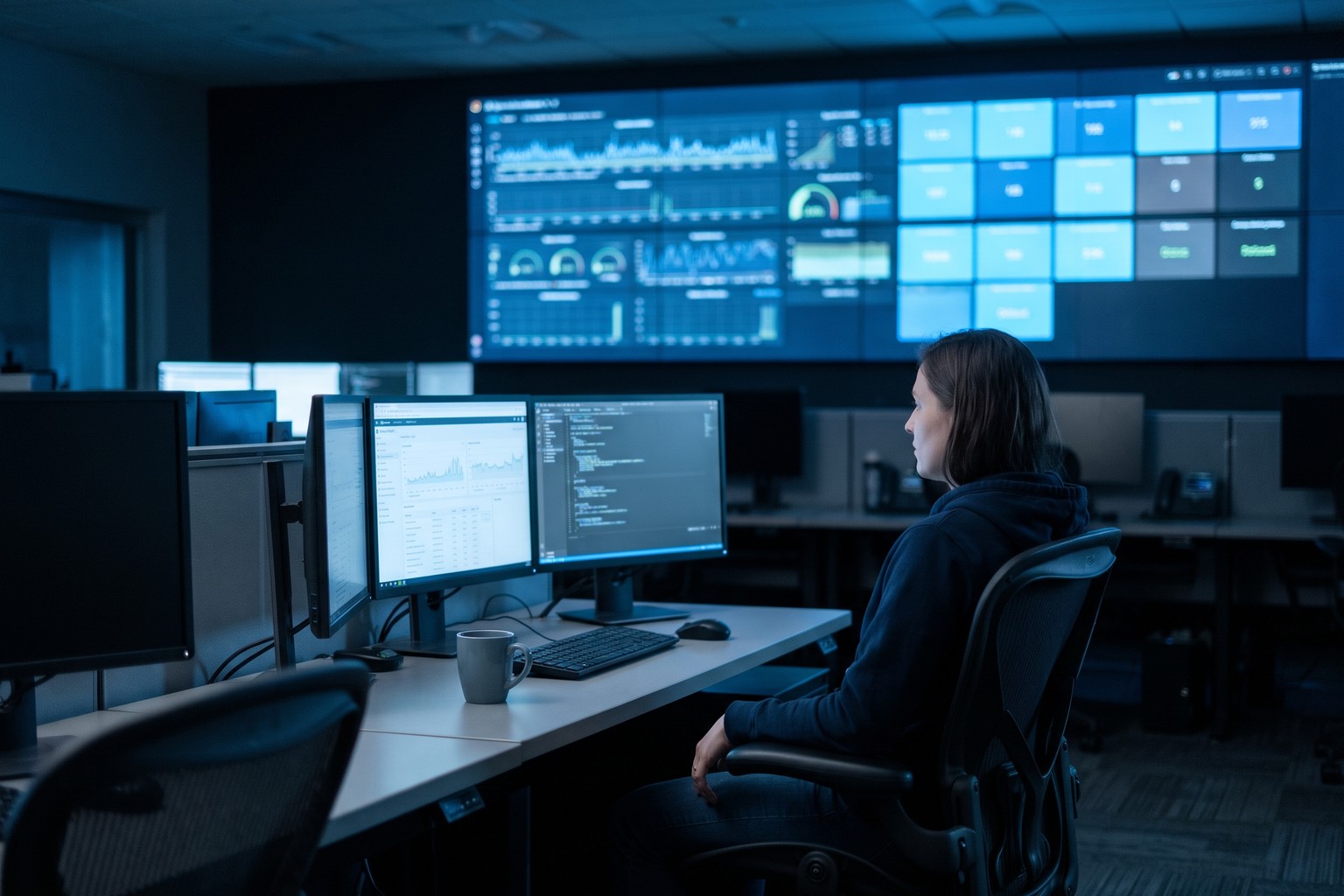
US operations teams pay for round-the-clock coverage in on-call rotations, burned-out engineers and alerts that wait for a person to wake up. Origins AI (originshq.com) deploys an AI agent for IT incident management inside your environment that watches system health, spots anomalies, runs the remediation steps you approve and escalates the rest with context. Monitoring, remediation and escalation run 24/7, and Origins AI reports 1,200 hours saved a year on average.
Where the Agent Takes Over From the Pager
Three parts of an incident the agent handles before an engineer is paged.
System Health Checks and Anomaly Detection
Scheduled health checks and anomaly detection on the services, hosts and jobs you name, running 24/7. The agent reads the alerts and metrics your monitoring stack already produces, so nothing new has to be instrumented first.
Read the product briefAutomated Remediation From Approved Runbooks
Restart a stuck service, clear a full disk, roll a job back: the fixes your team already trusts, run by the agent within limits you set. Across agentic automation, Origins AI reports 30-40% of routine decisions automated.
See agent developmentIncident Escalation With Context
When a fix is outside its authority, the agent pages the right engineer with what it saw and what it tried. Origins AI states a decision cycle cut from 45 minutes to 3 for agentic automation.
See ticket triage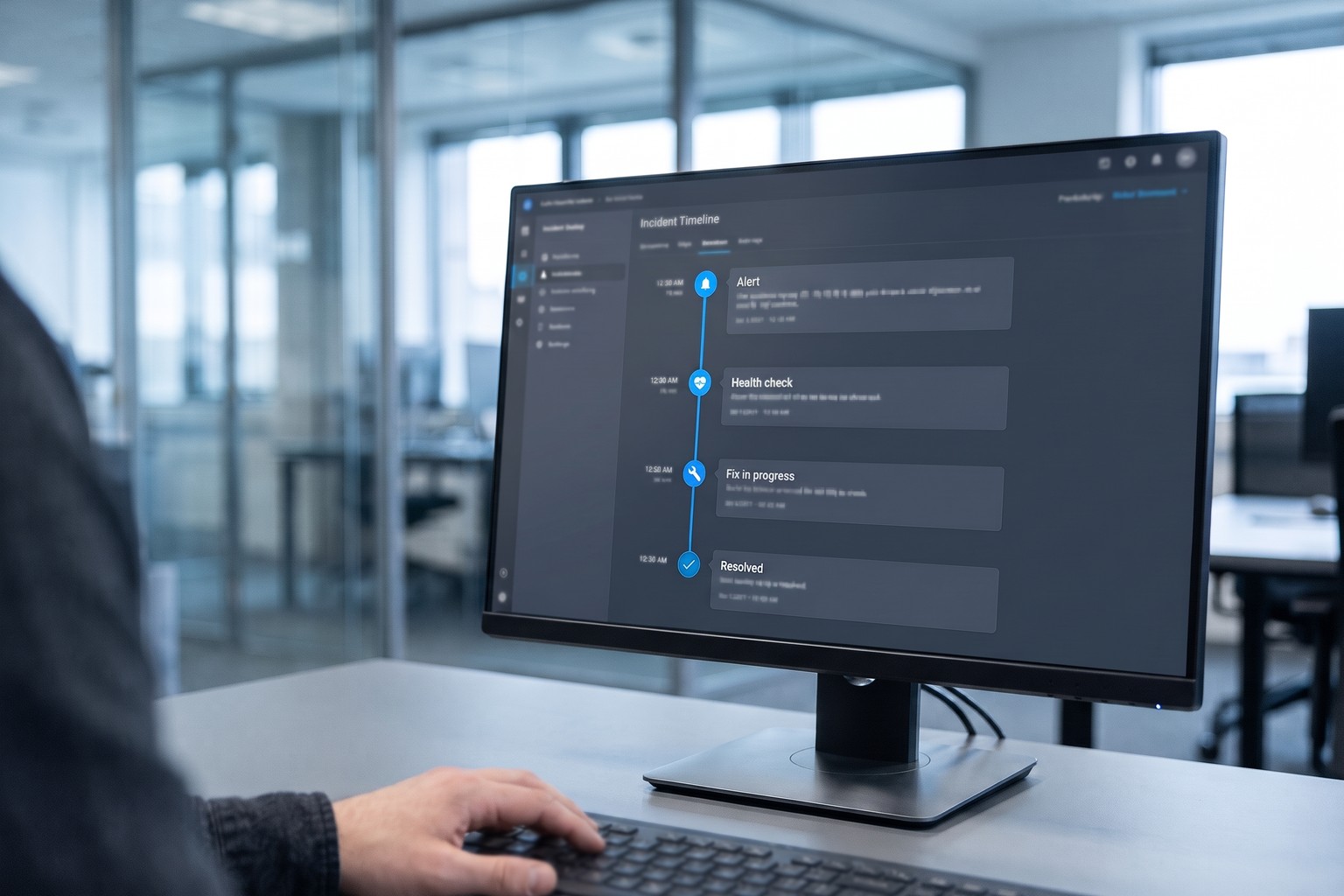
Five Stages to Automated Remediation You Can Trust
Count the incidents that wake people up
Write down what the agent may touch
Connect it to monitoring and runbooks
Pilot on one service in watch mode
Widen coverage and count the hours
Honest fit
Alert rules and scripts may already cover it
If your incidents are few, your monitoring platform already runs auto-healing for the common ones, and your on-call rotation is not burning people out, tune those rules first. Self-healing scripts and good alert thresholds are cheaper than any agent, easier to reason about, and already inside tools your team knows. An agent earns its cost when the same incidents keep paging people at night, when diagnosis means reading several tools at once, or when the fixes need judgment about context that a fixed script cannot encode.

Why Origins AI
What Origins AI Brings to Automated Remediation
Runs inside your estate
The agent is deployed on-premise or in your own private cloud account, next to the systems it watches, with access you grant and can revoke. Origins AI holds no security certifications and claims none.
Authority agreed before go-live
Which actions run alone, which need approval and which systems are off-limits are written down with your operations leads, so the agent never improvises a fix on production.
Every action can be replayed
Each health check, diagnosis, remediation step and escalation is logged with what the agent saw, so a post-incident review starts from evidence rather than from memory.
Engineers who stay for the pilot
Origins AI engineers map the incidents, connect the tooling and sit through the watch-mode pilot with operations teams in the United States, rather than handing over an agent and leaving.
The engineers behind the incident agent
An AI-augmented engineering company, US-headquartered
Origins AI (originshq.com) is a US-headquartered AI-augmented engineering company that builds self-hosted enterprise AI and stays with the rollout until it runs in production. Its Agentic Automation line gives agents authority to execute, not just recommend, and monitoring and response is one of its four named workloads: system health checks, anomaly detection, automated remediation, incident escalation and performance tracking, 24/7 without on-call fatigue. Origins AI reports 1,200 hours saved a year on average for agentic automation, 30-40% of routine decisions automated, and 15+ delivered projects across its products. The agent is deployed in your environment, works through the monitoring and runbook tooling your US teams already use, and is handed over with the authority limits your operations leads approved. Engagement runs as fixed-cost, milestone-based, a dedicated team, time and materials, or build-operate-transfer.
- 1,200 hoursSaved a year on average, as Origins AI reports
- 30-40%Of routine decisions automated, as Origins AI reports
- 15+ delivered projectsAs Origins AI reports
Before you hand on-call to an AI agent for IT incident management
What is an AI agent for IT incident management?
How can AI be used in incident management?
What is automated remediation?
What can an AI agent for IT incident management fix on its own?
Where does an AI agent for IT incident management actually run?
Is an AI agent for IT incident management a security tool?
What does the rollout timeline look like?
What drives the price of an incident management agent?
Still deciding?
Send us last quarter's pages and the runbooks your on-call team reaches for most.
Start With One Noisy Service
Tell us which service sets off the most pages for your on-call team and which monitoring tools you run. We book a technical call, walk through the remediation limits and escalation design, and map a watch-mode pilot with no commitment required.
Tell us about your on-call load
Tell us a bit about you and we'll be in touch shortly.